How Business Management Systems Improve Efficiency, Productivity and Decision-Making
What Are Business Management Systems?
Business management systems are digital platforms designed to help organizations manage related business activities, information, users, and workflows within a coordinated environment. Unlike relying on several individual software tools that may operate separately, a management system can connect relevant processes and provide a more unified view of business operations. Understanding what business management systems in Kenya are, how they work, and what they can support starts with these key areas:
1. What Is a Business Management System?
A business management system is a digital solution that helps an organization organize, manage, and monitor multiple business activities through a structured environment. Instead of handling each function through separate spreadsheets, documents, applications, or manual processes, the system can bring relevant information and workflows together based on the organization’s requirements. Depending on the business, it may support customer management, sales, operations, employee activities, task management, reporting, documents, and other processes within one coordinated system.
2. How Do Business Management Systems Work?
Business management systems work by connecting users, data, processes, workflows, dashboards, and predefined system rules according to how an organization operates. Employees can enter or access relevant information, complete assigned tasks, move activities through defined workflow stages, and trigger actions based on established rules and conditions. Managers can then use dashboards and reports to view operational information, monitor activities, and understand what is happening across different areas of the business.
3. What Business Functions Can a Management System Support?
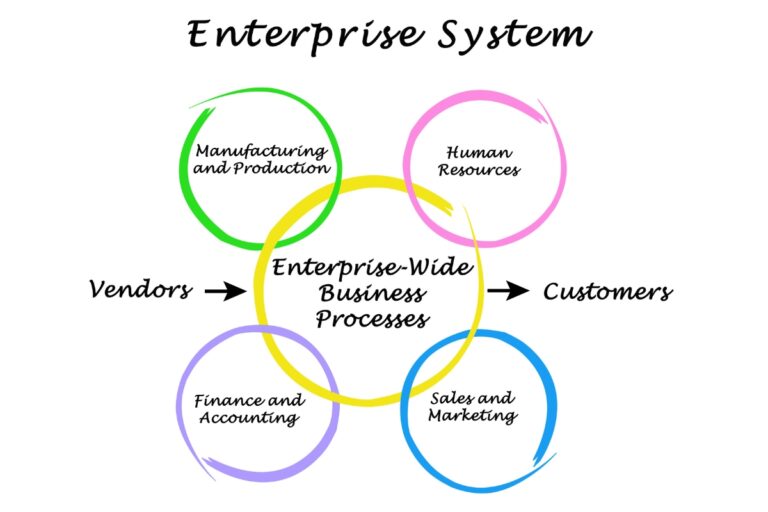
A business management system can support different functions depending on the organization’s requirements, size, structure, and processes. These may include customer and client management, sales and enquiries, finance-related processes, human resources, inventory, operations, reporting, task management, and document and record management. The objective is not necessarily to place every business function into one system, but to create a practical digital environment where the processes that need to work together can be managed more effectively.
4. What Is the Difference Between a Business Management System and Individual Business Software?
Individual business software is typically designed to perform a specific function, such as accounting, customer relationship management, inventory management, or communication. A business management system can provide a broader environment that connects multiple functions, allowing relevant information and processes to work together rather than remaining isolated in separate applications. This distinction matters because businesses often depend on processes that cross departmental boundaries, making connected information and workflows more useful than managing each activity through unrelated tools.
5. Who Can Use Business Management Systems?
Business management systems can be used by small businesses, growing companies, and established organizations that need better ways to coordinate their operations. Different departments can use specific parts of the system according to their responsibilities, while managers can access information and reports relevant to their level of oversight. As a result, business management systems in Kenya can be designed around the needs of different organizations rather than being limited to a particular business size or industry.
Why Do Businesses Need Better Management Systems?
Businesses can begin experiencing operational difficulties when information, processes, and responsibilities become increasingly difficult to coordinate through disconnected tools and manual methods. As operations grow, these challenges can affect employee productivity, information visibility, coordination, and the ability of managers to make timely decisions. The main operational challenges that create the need for better management systems include:

1. Disconnected Business Information Creates Gaps
When customer records, sales information, employee details, documents, and operational data are stored across different tools, employees may struggle to find complete and current information. They may need to search through emails, spreadsheets, paper records, or separate applications before they can understand the status of a particular activity. This fragmentation can create information gaps, increase the likelihood of inconsistent records, and make coordination more difficult.
2. Manual Processes Slow Daily Operations
Repetitive data entry, approvals, follow-ups, record updates, and routine administrative activities can consume significant employee time when handled manually. Employees may repeatedly perform steps that could instead be structured through digital workflows or automated actions. Better management systems can help reduce unnecessary manual work and allow employees to focus more of their time on activities that require their skills and attention.
3. Poor Data Visibility Makes Management Difficult
Managers need relevant and timely information to understand business performance and respond to operational issues. When information is scattered across multiple sources, obtaining a clear picture may require manually collecting, comparing, and reviewing records from different systems. A well-designed management system can improve visibility by bringing relevant information, reports, and performance indicators into a more accessible environment.
4. Growing Operations Become Harder to Coordinate
As a business gains more customers, employees, transactions, departments, and responsibilities, the number of activities requiring coordination also increases. Processes that were manageable through spreadsheets, emails, or informal communication may become difficult to control as the organization grows. Business management systems can provide structured workflows, assignments, permissions, and shared information that help businesses coordinate increasingly complex operations.
5. Generic Software May Not Match Actual Business Processes
Standard software can be useful for common business activities, but its features and workflows may not always reflect how a particular organization operates. A business may have unique approval processes, customer journeys, reporting requirements, internal workflows, or operational rules that require greater flexibility. In such situations, businesses may need management systems designed around their actual processes and objectives rather than forcing their operations to fit a generic platform.
How Do Business Management Systems Improve Efficiency?
Business management systems can improve efficiency by reducing unnecessary manual work and creating clearer ways to manage information, tasks, and recurring processes. Instead of relying on disconnected tools and informal processes, businesses can use structured digital workflows to help work move more consistently from one stage to another. For businesses using business management systems in Kenya, these efficiency improvements can come from several practical areas:
1. Centralizing Business Information
Business management systems can bring relevant customer records, operational information, documents, transactions, and other business data into one accessible environment. Employees can spend less time searching across spreadsheets, emails, paper files, and separate applications to find information needed for their work. Centralized information can also make it easier for authorized users to access the same records and work from more consistent information.
2. Automating Repetitive Processes
Many business activities involve repetitive steps such as sending notifications, assigning tasks, updating records, requesting approvals, or following up on routine activities. A business management system can use defined workflows and automated actions to handle appropriate parts of these processes without requiring employees to complete every step manually. This reduces unnecessary effort while helping routine activities move forward more consistently.
3. Reducing Duplicate Data Entry
Employees may waste time entering the same customer, transaction, employee, or operational information into multiple systems or records. A connected business management system can allow relevant information to be captured once and made available to other processes that require it. Reducing duplicate data entry saves employee time and can also reduce inconsistencies caused by repeatedly entering or updating the same information.
4. Streamlining Business Workflows
A business management system can structure how tasks, approvals, assignments, and process stages move through an organization. Instead of relying on employees to remember the next step or manually communicate every handoff, the system can define what should happen, who should handle it, and when it should move forward. This creates clearer workflows and helps employees complete processes in a more organized manner.
5. Reducing Operational Delays
Delays can occur when employees do not know who should handle the next task, where information is located, or whether an approval has been completed. Business management systems can help route information and tasks to the appropriate users at relevant stages of a process. Notifications, task assignments, workflow rules, and status tracking can therefore help reduce avoidable delays and keep work progressing.
6. Improving Coordination Between Departments
Business processes often involve more than one department, making timely access to shared information important for completing work. A management system can connect activities between teams so that relevant information is available when another department needs to act on it. This can reduce unnecessary handoffs, repeated requests for information, and delays caused by departments working from separate records.
7. Standardizing Routine Processes
Businesses can use management systems to establish consistent procedures for recurring activities such as handling enquiries, approving requests, processing documents, assigning tasks, or updating records. Standardized workflows help employees follow defined processes instead of relying entirely on individual habits or informal instructions. This can make routine operations more consistent while providing a clearer foundation for monitoring and improving how work is performed.
How Do Business Management Systems Improve Employee Productivity?
Business management systems can improve employee productivity by helping staff spend less time on repetitive administration and more time on activities that contribute directly to business objectives. When employees can access relevant information, understand their responsibilities, and track their work through structured digital processes, they can complete tasks with fewer unnecessary interruptions. The main ways these systems can support employee productivity include:

1. Reducing Time Spent on Administrative Tasks
Employees often spend considerable time performing routine activities such as updating records, preparing internal requests, checking information, and following up on processes. A business management system can simplify or automate appropriate administrative tasks, reducing the amount of manual effort required for recurring activities. This gives employees more time to focus on customer service, problem-solving, strategic work, and other responsibilities that require human input.
2. Making Business Information Easier to Access
Employees need timely access to relevant information to complete their responsibilities effectively. A centralized system can make approved business records and operational information easier to find without requiring employees to search through multiple sources. Faster access to information can reduce interruptions and help employees make progress on tasks without repeatedly requesting records from colleagues.
3. Clarifying Employee Responsibilities
Unclear responsibilities can result in duplicated work, missed tasks, and uncertainty about who should handle a particular activity. Business management systems can use user roles, assignments, workflow stages, and task statuses to make responsibilities more visible. Employees can therefore have a clearer understanding of what they need to do, when it needs to be completed, and how their work fits into a broader business process.
4. Simplifying Task Management
Employees may need to manage several activities at different stages, making it difficult to remember every pending or upcoming task without a structured system. A management system can organize assignments, deadlines, priorities, and task statuses in a way that makes current workloads easier to track. This can help employees manage their responsibilities more systematically and reduce the likelihood of overlooked activities.
5. Reducing Unnecessary Communication
Employees may spend time sending messages or making calls simply to ask for updates, confirm information, or determine the status of a task. When relevant records, updates, assignments, and workflow statuses are available within a shared system, some of this communication can be reduced. Employees can access the information they need directly while managers can review progress without requesting individual updates for every activity.
6. Supporting Remote and Distributed Teams
Businesses with employees working from different locations need reliable ways to access shared information and coordinate activities. A browser-based management system can allow authorized employees to access relevant business records, workflows, tasks, and updates from different locations, subject to the organization’s security and access controls. This can help distributed teams maintain continuity and collaborate around shared business processes without depending entirely on physical records or location-specific access.
How Do Business Management Systems Improve Decision-Making?
Effective decision-making depends on having relevant, accurate, and timely information about what is happening across the business. Business management systems can bring operational data together, provide management with clearer visibility, and make important information easier to review and interpret. For organizations using business management systems in Kenya, these capabilities can support better decisions in several practical ways:
1. Providing Centralized Business Data
Business management systems can give decision-makers access to relevant information from different business activities within a coordinated digital environment. Instead of relying on separate spreadsheets, reports, emails, or departmental records, managers can review information from connected processes according to their access permissions. This broader view can make it easier to understand business activities and assess situations using more complete information.
2. Creating Real-Time or Timely Operational Visibility
Managers need current information to understand whether important activities are progressing as expected. A management system can provide timely updates on areas such as customer activities, sales, tasks, transactions, approvals, and operational processes, depending on what the system is designed to manage. This visibility can help managers respond to emerging issues rather than relying on outdated records or waiting for information to be manually compiled.
3. Using Dashboards and Reports
Dashboards and reports can present business information in structured formats that make important trends, figures, activities, and performance indicators easier to review. Instead of manually examining large amounts of raw information, managers can use relevant reports and visual summaries to focus on areas that require attention. The specific dashboards and reports should reflect the organization’s objectives and the information its decision-makers actually need.
4. Tracking Business Performance
A management system can help businesses monitor relevant activities, targets, transactions, customer information, tasks, and operational indicators in a structured manner. Managers can use this information to compare actual performance against defined objectives and identify areas that may require additional attention. Consistent performance tracking can also provide a stronger basis for reviewing progress over time.
5. Identifying Problems Earlier
Limited visibility can allow operational problems to remain unnoticed until they have a greater impact on the business. By providing timely information about delays, incomplete tasks, declining activity, pending approvals, or other operational gaps, a management system can help managers identify issues sooner. Earlier visibility gives decision-makers more opportunity to investigate the cause and take appropriate action.
6. Supporting Data-Driven Decisions
Business decisions are more useful when they are informed by relevant operational evidence rather than assumptions or incomplete records. Business management systems can provide the data needed to evaluate activities, compare performance, identify patterns, and understand operational conditions. While the system does not replace managerial judgment, it can give decision-makers a stronger information base for making informed business decisions.
What Business Processes Can Business Management Systems Improve?
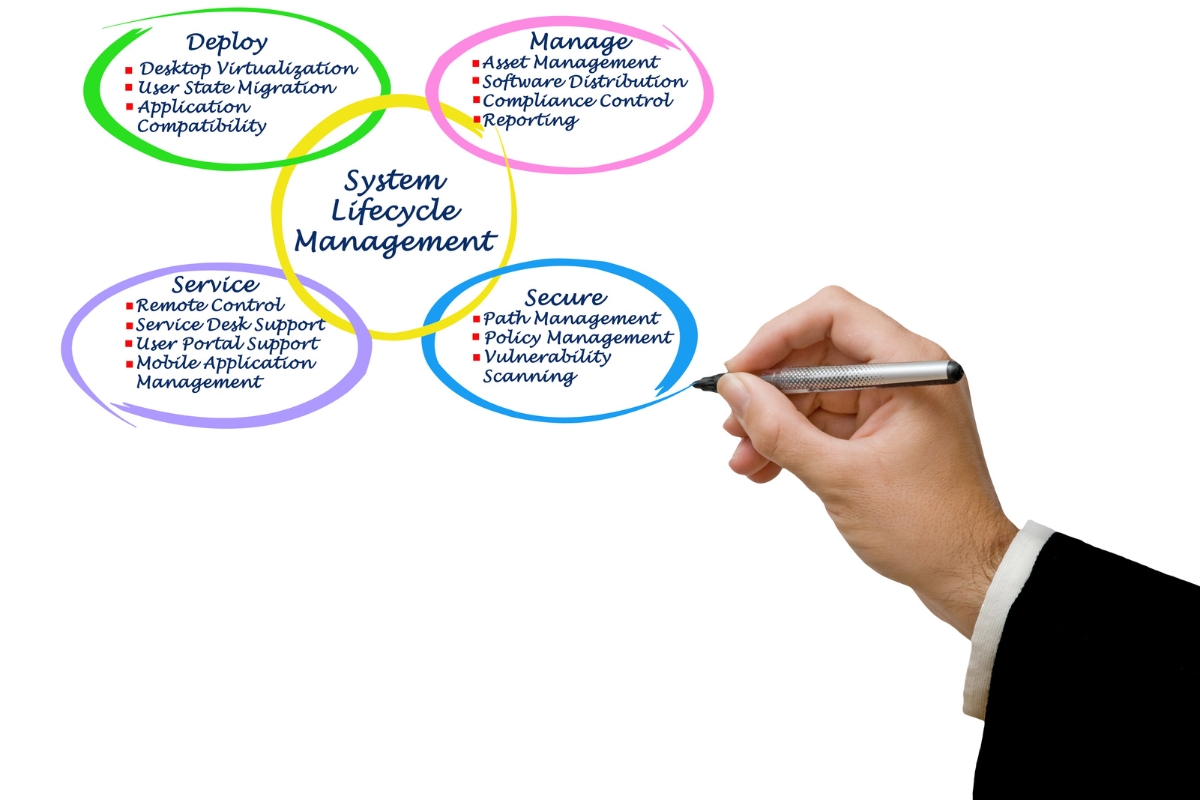
Business management systems can support a wide range of processes depending on the organization’s structure, objectives, and requirements. Rather than focusing only on one department, a properly planned system can address processes that involve customers, employees, operations, records, and management information. Common business processes that can be supported by business management systems in Kenya include:
1. Customer and Client Management
A management system can organize customer records, interactions, requests, service information, and follow-ups within a structured environment. Authorized employees can access relevant customer information when handling enquiries or ongoing activities, while managers can monitor customer-related processes. This can make customer information easier to manage and reduce reliance on scattered records.
2. Sales and Lead Management
Businesses can use management systems to capture enquiries, assign leads to responsible employees, track sales progress, and monitor outcomes. Information can move through defined stages so that employees can see which leads require action and managers can review the overall sales pipeline. This provides a more structured way to manage opportunities from initial enquiry through subsequent stages.
3. Financial and Administrative Processes
Management systems can support relevant financial and administrative activities such as records management, approval workflows, invoicing processes, requests, and other internal procedures. The exact functionality can be designed around the organization’s requirements and may connect with existing financial software where appropriate. This can help businesses coordinate administrative activities without requiring every process to be handled manually.
4. Human Resource Processes
A business management system can support employee information, internal requests, approvals, task coordination, and other human resource-related processes. Different users can be given appropriate access based on their roles and responsibilities, helping organizations manage employee-related information in a structured environment. This can also make routine internal processes easier to track and coordinate.
5. Inventory and Resource Management
Businesses that manage physical stock, equipment, materials, or other resources can use management systems to track relevant information and movements. Depending on the requirements, the system can record stock levels, resource allocations, transactions, or operational requirements. Connecting this information with other business processes can also give relevant teams better visibility into available resources.
6. Project and Task Management
Management systems can organize projects, assignments, deadlines, responsibilities, and progress across different employees or departments. Managers can monitor task statuses while employees can see the activities assigned to them and the relevant deadlines. This creates a structured environment for coordinating work that involves multiple people or stages.
7. Reporting and Performance Management
Business management systems can generate reports and dashboards using the operational data captured within the system. Businesses can define reports around relevant indicators such as sales activities, customer records, task completion, transactions, operational performance, or other objectives. This can give managers a more consistent way to review performance and identify areas that require attention.
8. Document and Record Management
A management system can organize important business documents and records so authorized users can retrieve relevant information more efficiently. Instead of depending entirely on paper files, individual computers, or scattered folders, businesses can establish structured ways of storing and accessing records. Appropriate permissions and controls can also help ensure that sensitive information is only available to authorized users.

What Should Businesses Consider Before Implementing a Business Management System?
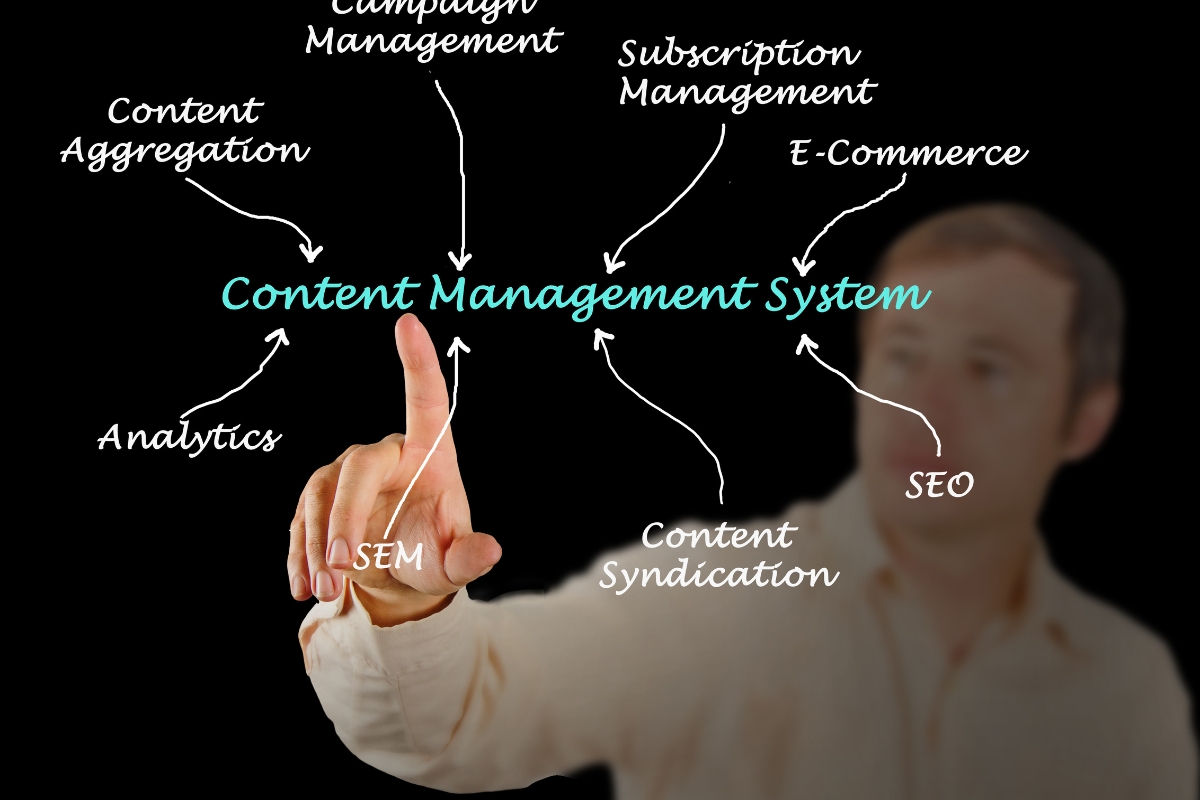
Implementing a business management system requires more than selecting software because the system needs to address actual operational problems and support the way the organization works. Businesses should understand their current processes, users, information requirements, integrations, and future objectives before defining what the system should deliver. Before implementing business management systems in Kenya, organizations should consider the following areas:
1. Define the Business Problems
Businesses should first identify the specific problems they want the management system to address. These may include manual processes, disconnected information, inefficient workflows, reporting difficulties, coordination gaps, or other operational challenges. Clearly defining these problems helps ensure that the system is built around business needs rather than technology alone.
2. Map Existing Business Processes
Understanding how work currently moves through the organization provides a useful foundation for system planning. Businesses should examine how information is collected, processed, approved, transferred, stored, and reported across relevant departments. Process mapping can reveal bottlenecks, duplicated activities, unnecessary manual steps, and opportunities for improvement before these processes are digitized.
3. Identify the System Users
The organization should determine who will use the system and what each user needs to accomplish. Employees, managers, administrators, customers, and other users may require different functions and levels of access depending on their responsibilities. Defining these user groups early helps shape appropriate workflows, interfaces, permissions, and system requirements.
4. Determine Required Functionality
Businesses should prioritize functionality that directly supports their objectives instead of adding features simply because they are available. Required capabilities may include customer management, workflow automation, task management, reporting, document management, dashboards, integrations, or other functions specific to the organization’s processes. This approach helps keep the system practical and focused on delivering business value.
5. Consider Existing Systems and Integrations
Organizations should identify the software and platforms they already use and determine which ones need to connect with the new system. These may include accounting platforms, CRM software, payment systems, communication tools, inventory applications, or other business software. Understanding integration requirements early can prevent unnecessary duplication and help ensure that connected processes work effectively.
6. Plan Data Requirements
Businesses need to determine what information the system will collect, store, manage, process, and report. This includes identifying important records, data fields, sources, users, retention requirements, and reporting needs. Clear data requirements can also make it easier to plan data migration, system structure, access controls, and future reporting capabilities.
7. Consider Security and Access Requirements
Security requirements should be defined according to the type of information the system will handle and the risks associated with unauthorized access. Businesses should determine which users can view, create, edit, approve, or delete different types of information. Authentication, role-based permissions, access controls, activity monitoring, and other appropriate safeguards should be considered as part of the system design.
8. Plan for Scalability
A business management system should account for future changes in the organization rather than only addressing its current size and processes. Businesses should consider how the system will accommodate additional users, customers, transactions, departments, services, workflows, and integrations as operations grow. Planning for scalability can reduce the need for major system changes when business requirements evolve.
9. Define Measures of Success
Businesses should establish how they will determine whether the system is delivering the expected value. Relevant measures may include reduced processing time, fewer manual tasks, improved information access, faster response times, better reporting, higher task completion rates, or other objectives linked to the original business problems. Clear measures of success make it easier to evaluate the system after implementation and identify areas for further improvement.
What Challenges Can Businesses Face When Implementing Management Systems?
A management system can improve business operations, but technology alone does not guarantee better performance or successful adoption. Businesses may encounter challenges related to requirements, existing processes, data, employees, security, and ongoing system management during implementation. Recognizing these challenges early can help organizations plan more effectively:

1. Unclear Business Requirements
Poorly defined requirements can result in a system that does not properly address the organization’s operational needs. When businesses begin development without clearly understanding their processes, users, and objectives, important functionality may be overlooked or unnecessary features may be included. Thorough requirements definition can reduce this risk and provide clearer direction for system development.
2. Complex Existing Processes
Some organizations have workflows that have developed over many years and involve multiple employees, departments, approvals, and information sources. Digitizing these processes without first understanding how they work can create confusion or simply transfer inefficient practices into a digital environment. Process analysis is therefore important before deciding how workflows should be structured within the system.
3. Integration Challenges
Existing software may have technical limitations, incompatible data structures, limited integration capabilities, or other constraints that make connections more difficult. Businesses may therefore need to assess existing systems carefully before planning integrations. Understanding these limitations early can help determine whether a system can connect directly, requires additional integration work, or should use an alternative approach.
4. Data Migration Issues
Moving information from spreadsheets, paper records, legacy applications, or other systems can present challenges related to data quality, duplication, missing information, and incompatible formats. Businesses need to determine which data should be transferred, how it should be prepared, and how its accuracy will be verified. Careful migration planning can reduce the risk of carrying unreliable or incomplete information into the new system.
5. Employee Resistance to Change
Employees who are accustomed to existing processes may find it difficult to adjust to new workflows, responsibilities, or digital tools. Resistance can occur when users do not understand the purpose of the system or feel that the new process makes their work more difficult. Involving relevant employees early, providing appropriate training, and explaining the practical benefits can support smoother adoption.
6. Poor User Experience
A system can contain the right functionality but still fail to deliver value if employees find it complicated or difficult to use. Confusing interfaces, unnecessary steps, unclear workflows, or excessive features can reduce adoption and productivity. User experience should therefore be considered during system planning and development so that the final solution remains practical for its intended users.
7. Security and Access Risks
Poorly configured permissions, weak authentication, inadequate access controls, or inappropriate handling of sensitive information can expose businesses to security risks. These risks can become more significant when a system connects multiple business functions and contains information from different departments. Security requirements should therefore be incorporated into the system’s architecture, user roles, workflows, and ongoing management.
8. Inadequate Maintenance and Improvement
Business requirements can change as organizations introduce new services, employees, processes, customers, and technologies. A system that is not reviewed and improved over time may eventually become less aligned with how the business operates. Ongoing maintenance, performance monitoring, security updates, user feedback, and periodic improvements can help keep the management system useful as organizational needs evolve.



Choose Smepal Consultancy Agency for Business Management Systems in Kenya Today!
Businesses struggling with disconnected tools, manual processes, limited reporting, or poor coordination can benefit from a structured digital system designed around their actual operations. Smepal Consultancy Agency provides a strategic digital transformation approach that considers business process analysis, requirements definition, workflow planning, integrations, automation, security, usability, and scalability. Rather than simply providing pre-built software, we focus on understanding what your business needs to achieve and planning a system that supports those objectives. Contact us today to discuss business management systems in Kenya.